Give one idea some room
Thirty lessons pair a speaking exercise with a practical challenge, from clearer sentences to telling your story.
Practice everyday conversations, record your thoughts, and find one useful thing to try next.
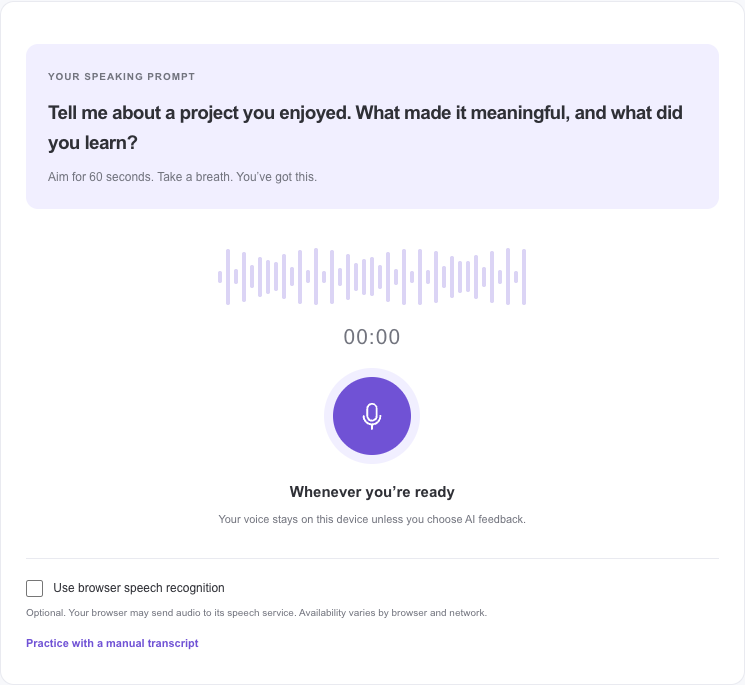
Choose a lesson or bring a moment you want to prepare for. Go at your own pace.
Thirty lessons pair a speaking exercise with a practical challenge, from clearer sentences to telling your story.
Record and replay your voice. Add a transcript to review pace, candidate fillers, repeated words, and sentence length.
Explore ten guided conversations for client calls, interviews, feedback, introductions, and more.
Word counts come from your transcript. Pace uses your recording duration. Audio pauses are estimates, with their limits explained.
Pronunciation quality and confidence need human judgment. Optional AI feedback needs a separately configured coach.
Try Speech StudioYes. Open the app in Safari or Chrome over HTTPS and allow microphone access. Recording and playback have been confirmed on a physical phone. Browser speech recognition support varies; manual transcripts are available.
Guest practice stays in this browser. With an account, your profile, progress, transcripts and practice history sync privately between devices. Audio remains on the device where it was recorded. Guest records are imported only if you explicitly choose. Export a backup from Settings to keep your audio.
Yes. Create an account with a passkey saved in your password manager or security key. Use the same passkey, or your browser’s phone/QR option, on another device. This preview does not provide email or password recovery.
No. Lessons, recording, playback, transcript-based measurements, and scripted conversations work without an AI subscription. Optional AI coaching requires a configured external service.
Open the app once online to cache its built-in lessons and library. You can then return to the workspace offline. Speech recognition and optional AI may need an internet connection.